
Every cat deserves a card.
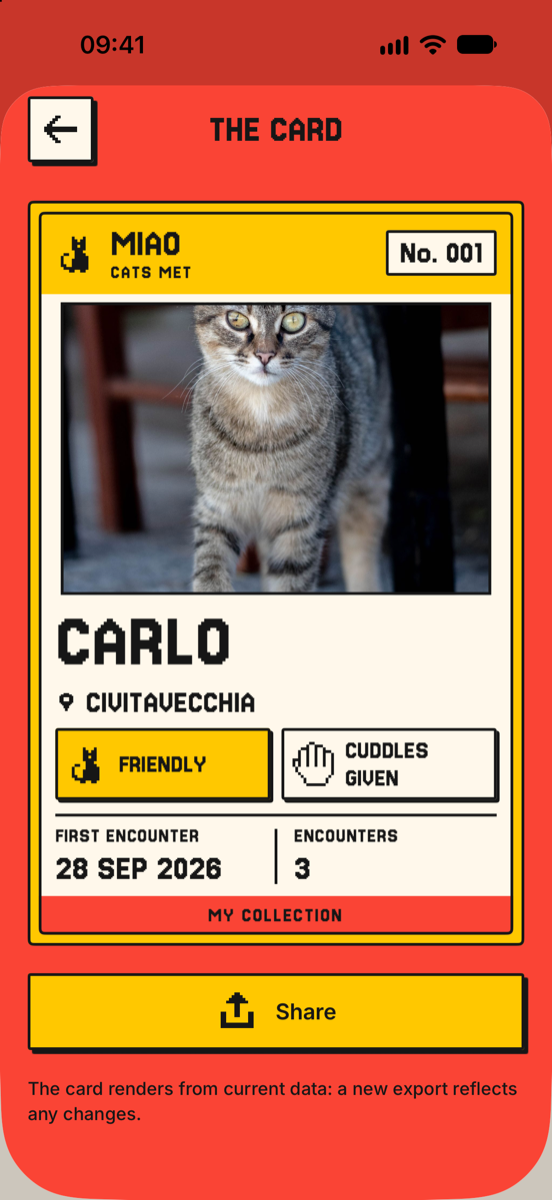
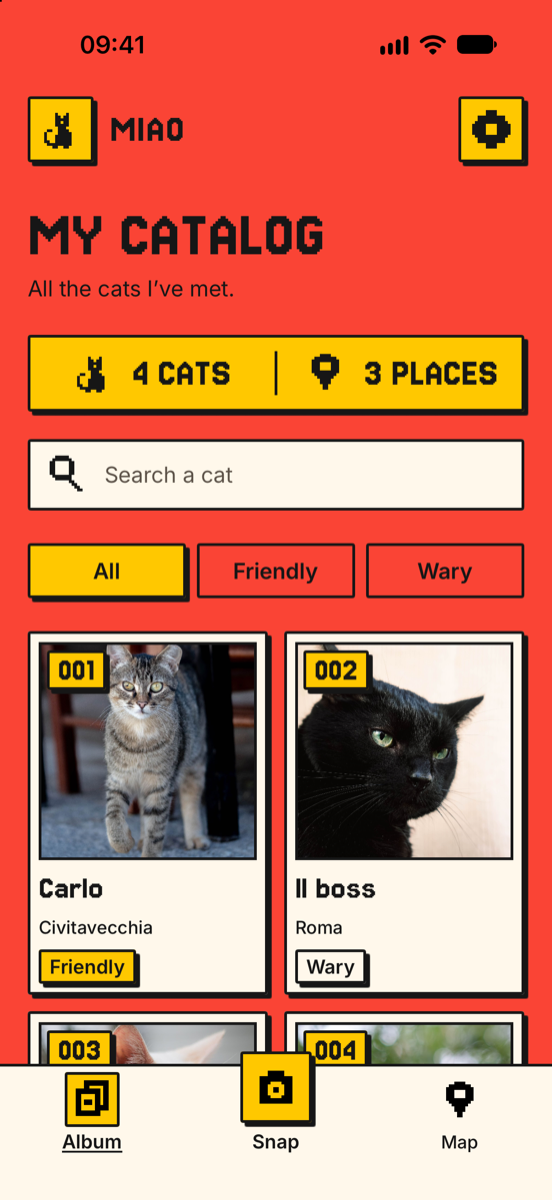
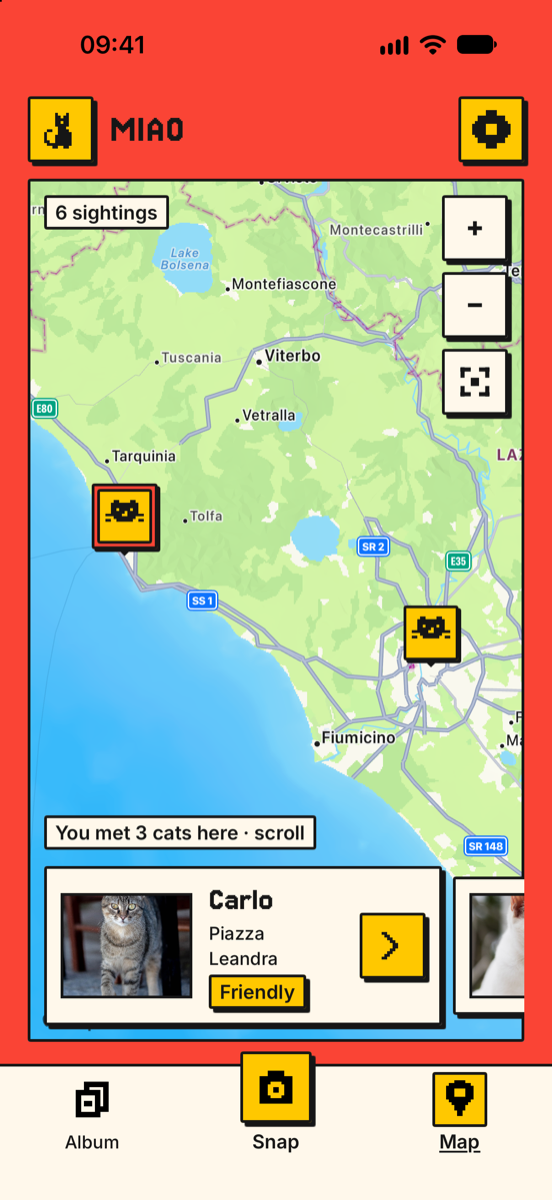
MIAO is the personal album of the cats you meet around. Photograph them, collect them as numbered cards and find their territory on the map. You handle the cuddles, we keep count.
How it works
Photograph
Meet a cat on the wall? Take or import a photo. Date and place fill in by themselves.
Collect it
It becomes a numbered card in your collection, with its temperament and whether it lets you pet it.
Meet it again
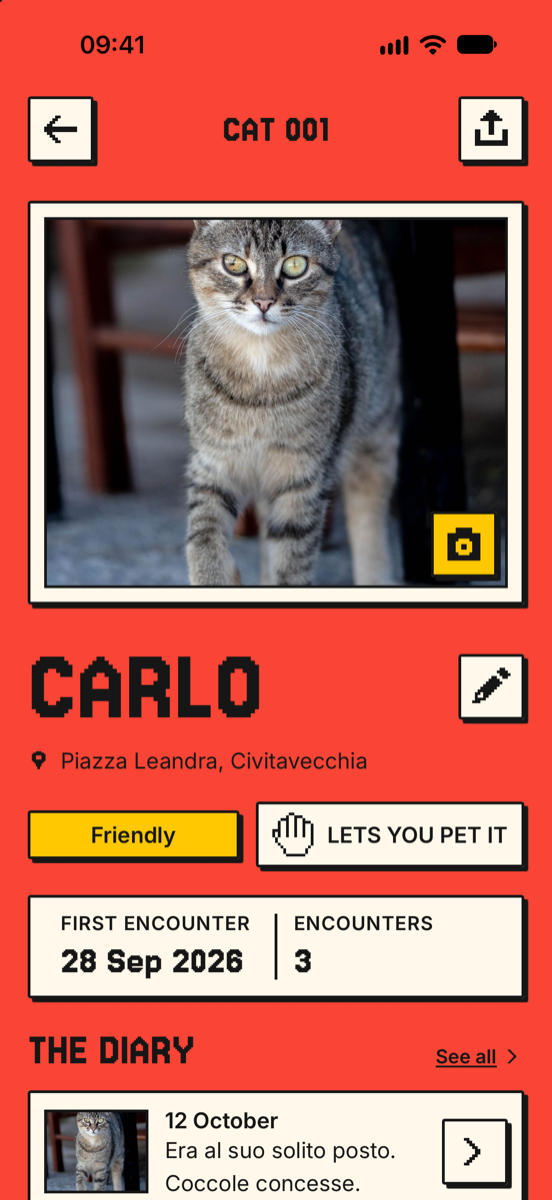
See it again? Add the encounter: its diary grows and the number stays its own.
Everything stays on your iPhone
No account, no ads, no tracking. Photos and memories work offline too.
Cards to share
Every cat has its card, ready to send to friends. Only the city is shared, never the address.
Four themes
Corallo, Rosa, Menta and Cielo. The app icon changes color with the theme too.
Backup whenever you want
Save your collection to Files or iCloud Drive and move it to a new iPhone.
Support
How do I add a cat I’ve met before?
Tap Snap, choose the photo and select Already met: pick the cat from the list. The encounter is added to its diary and the card keeps the same number.
Alternatively, open the cat’s card and tap Add encounter.
I created a duplicate by mistake. How do I delete it?
Open the cat’s card, tap the encounter in the diary and choose Delete encounter. If it was the only encounter, MIAO asks for confirmation and removes the card too.
Why are the date or the place wrong?
With an imported photo, MIAO uses the date and location saved in the photo. If the photo doesn’t have them, it uses the current time and the phone’s location. You can always change them by hand in the form, or later by opening the encounter.
How do I change the cover photo?
In the cat’s card, tap the camera button on the photo: you can choose another photo from the diary and crop it by dragging and pinching.
How do I save or move my collection to another iPhone?
Go to Settings → Backup → Save backup and save it to Files or iCloud Drive. On the new iPhone use Restore from backup. Restoring only adds the cats that are missing and keeps their numbers.
MIAO has no cloud of its own: without a backup, deleting the app deletes the collection too.
MIAO can’t access the camera or my location.
Open iOS Settings → MIAO and allow access to Camera or Location. Without the camera you can always import from your library; without location you can enter the place by hand.
Need help?
Write to us for problems, ideas, or to tell us about your favourite cat. We reply within a few days.